
FIRST LOOK · HANDS-ON REVIEW COMING
As an Amazon Associate, Shop Friki earns from qualifying purchases.
KEMOVE K94 First Look: A 94-Key Wireless Mechanical Keyboard With a Screen and a Knob
I have a problem with keyboards, and the problem is the numpad. I want one. I use it maybe twice a week, but I want it. Then I plug in a full-size board and my mouse falls off the edge of the desk. So I’ve been eyeing these 94-key layouts, which keep the numpad and still give the mouse its space back. Anyway, somebody went and put a screen and a knob on one, and I’ve been staring at the spec sheet like it’s a steakhouse menu.
Heads-up: this is a first look based on KEMOVE’s published specs. A full hands-on review is coming, and it will appear at the top of this post once we’ve typed on it.
A full-size board that isn't full-size
The K94 uses a 94-key layout. It keeps the numpad, the arrows and the function row, but packs them tighter than a classic full-size board, so it takes up less desk. In the top-right corner there’s a metal knob and a small LCD screen. The knob handles volume and settings, and the screen can show custom GIFs, the time and keyboard status. Does a keyboard need a tiny TV? No. Do I want one? Look at me. Four indicator lights between the numpad and the main keys show Caps Lock, Num Lock, Scroll Lock and battery.
Gasket mount, hot-swap and PBT keycaps
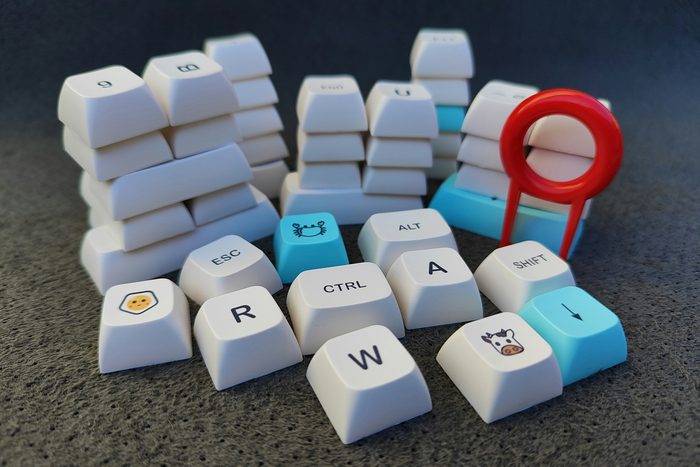
Inside, it’s a gasket-mounted board with several layers of dampening foam, which is a fancy way of saying the insides float on little cushions instead of being bolted down like a dentist’s office shelf. That setup usually gives a softer, quieter typing feel. The PCB is hot-swappable for 3-pin switches, so you can change switches without soldering. The keycaps are doubleshot PBT in an OEM profile, with Mac legends printed alongside the Windows ones. Lighting is south-facing RGB.
Three ways to connect and a big battery
It connects three ways: a 2.4GHz wireless dongle, Bluetooth, or a USB-C cable. The dongle stores in a magnetic slot on the underside, so it doesn’t get lost. KEMOVE put an 8,000mAh battery inside, which is a big number for a keyboard. Your phone might be a little jealous. We’ll report how long it actually lasts with the screen and RGB on once we’ve used it for a few weeks.
QMK/VIA support
This is the part keyboard nerds care about. The K94 supports QMK and VIA, so you can remap keys, build layers and set macros in a browser, with no proprietary app to install. That’s one less program begging to update itself every time you turn on your computer. KEMOVE also has its own web driver for the lighting and screen.
That’s the first look. A 94-key board with a numpad, a screen, a knob, three ways to connect and VIA remapping covers a lot for one keyboard. The real question is how it feels after a few weeks of daily typing, and that’s what the hands-on update is for. Until then, the link’s below. Go look at it. Just don’t tell your mouse.