
FIRST LOOK · HANDS-ON UPDATE COMING
As an Amazon Associate, Shop Friki earns from qualifying purchases.
ASUS Vivobook 16 Review for 2026: First Look at a Ryzen AI 9 465 Laptop With 32GB of RAM and a 120Hz Touchscreen
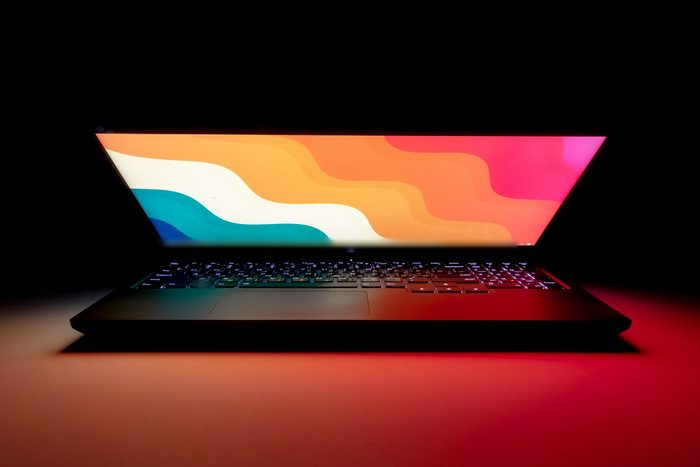
Here’s how I buy a laptop. I open forty tabs, compare spec sheets until my eyes glaze over, and then buy whatever has the most RAM and complain about it for three years. So when a listing leads with 32GB of RAM and a 1TB SSD, my lizard brain is already reaching for the wallet. Anyway, I gotta do the read. The ASUS Vivobook 16 on this listing is a 16-inch laptop with a 120Hz touchscreen, built around AMD’s Ryzen AI 9 465, and it’s pitched at people who work on their laptop all day and would like it to stop wheezing every time they open a spreadsheet next to a video call.
Quick heads-up before we get into it: this first look is based on the product listing and AMD’s published processor specs. We haven’t used this laptop yet. We’ll update this post with a full hands-on review, and when that update lands, you’ll see it right here at the top.
The chip doing the heavy lifting
This is the part I can actually verify, because AMD publishes it. The Ryzen AI 9 465 is from AMD’s Ryzen AI 400 series: 10 cores and 20 threads, made up of four full Zen 5 cores plus six efficiency-tuned Zen 5c cores, boosting up to 5 GHz. Graphics come from the built-in Radeon 880M. The listing also calls out a 50 TOPS NPU, a dedicated AI engine that handles background jobs like camera effects and Windows’ AI features so the main cores don’t have to. Is a 5 GHz boost going to make your emails more interesting? No. But it means the laptop shouldn’t be the bottleneck in your day.
Memory, storage, and the screen
32GB of RAM is the headline, and it’s enough for a browser with too many tabs, a video call, and a big spreadsheet without the machine begging for mercy. Add a 1TB SSD, so you’re not deleting vacation photos to make room for an update. The display is 16 inches with a 120Hz refresh rate, which mostly means scrolling and moving the cursor feel smoother than on a standard 60Hz panel, and it’s a touchscreen too. Brightness, color, and how it holds up next to a sunny window all go on the hands-on list.
The business-y bits
The listing names a backlit keyboard, a Full HD IR camera, and Windows 11 Pro. A backlit keyboard matters more than people think: your late-night typos stop being a lighting problem. The IR camera is what makes face sign-in through Windows Hello work, so you can stop typing your password forty times a day. And Windows 11 Pro adds business features on top of Home, like BitLocker encryption and the management tools an IT department would want. The color on this listing is Silver.
Who it's for, and who should skip it
If you work from a laptop and want plenty of memory, lots of storage, and a big screen without hauling a separate monitor around, this is aimed right at you. If you’re a serious gamer, integrated Radeon graphics handle lighter games, but they’re not a dedicated graphics card. And if you carry your laptop everywhere, a 16-inch machine is a commitment. We’ll weigh it and report back on battery life in the hands-on update instead of guessing now.
That’s it, that’s the read for now. The link’s right there, and check back, because the hands-on update is coming.